Beers Download now
OPEN SOURCE · macOS

Go on, spit it out.I'm all Beers.

Fast, private dictation for macOS. Hold Right ⌥, say the thing, and it lands wherever your cursor is. No cloud, no account.

⬇  Download Beers 🏆  See the leaderboard
Apple-notarised · Apache-2.0 · Apple silicon · macOS 14+
every 1,000 words you pour pulls one pint on the wall 🍺
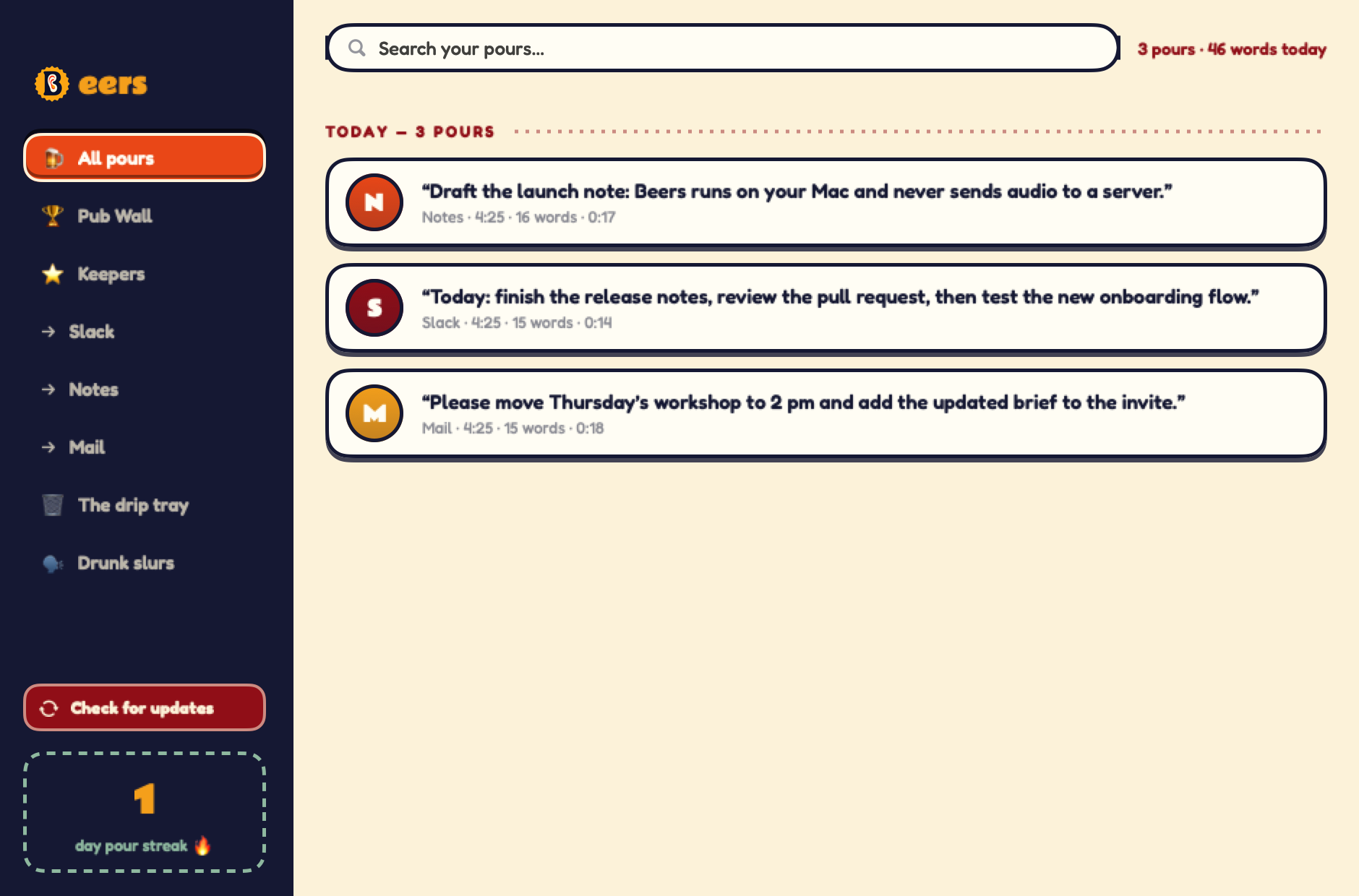
The Beers Taproom — searchable dictation history, pints and recent pours The Taproom
1,000
words spoken
=
1 🍺
pint pulled
That's the whole exchange rate. No small print, no service charge.
THE PUB WALL
Who's bought the most rounds?

The community leaderboard. Talk more, pour more, climb the wall. Opt in from inside Beers whenever you fancy it — the app works exactly the same if you never do.

All time
HOUSE RULES
How the pouring works
STEP 1
🎙️

Hold Right Option & talk

Anywhere on your Mac — Mail, Slack, your editor. Hold the key, say the thing, let go. The words type themselves at your cursor. That's a pour: one pour, one dictation.

STEP 2
🔢

Every word counts

Beers keeps a running tally of every word you've served, all on-device. Hit 1,000 and you'll hear the clink — that's a pint in the bank.

STEP 3
🏆

Climb the Pub Wall

Opt in from inside the app and your pints go on the board. Ranks, streaks and bragging rights — first round's on the person in last place.

🫗First Sip1+ pint
🍺the regular25+ pints
🍻Session Talker100+ pints
🛢️Brewmaster250+ pints
👑The Landlord500+ pints
INSIDE THE APP
Real screens from the actual Mac app
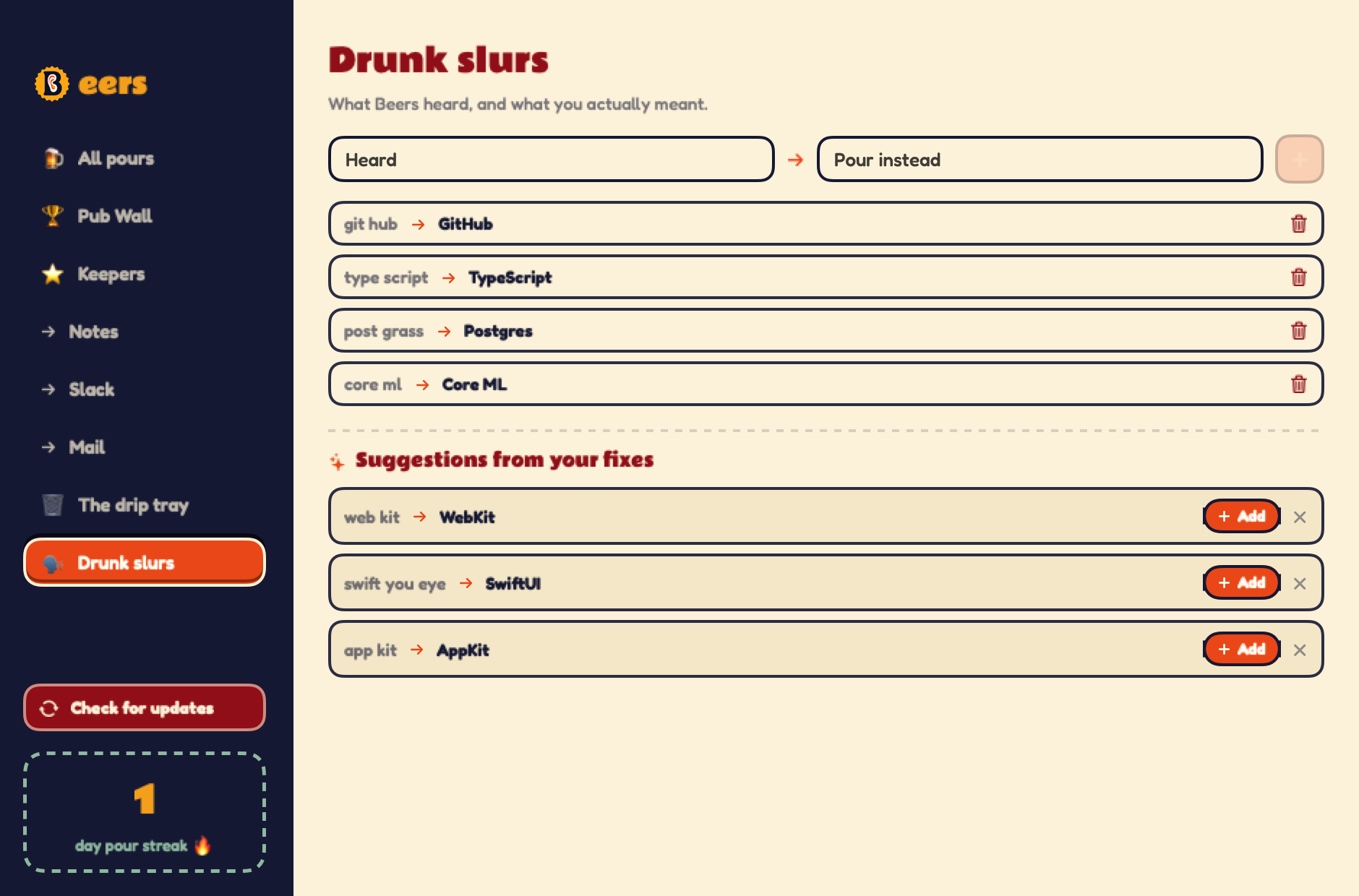
Drunk Slurs — private vocabulary and correction suggestions Drunk Slurs
Your words, your way

Fix it once. Beers remembers.

Teach Beers the names, products and technical terms that ordinary speech recognition gets wrong.

  • Private dictionary stored on your Mac
  • Suggestions from repeated keyboard corrections
  • One-tap fixes without a cloud account
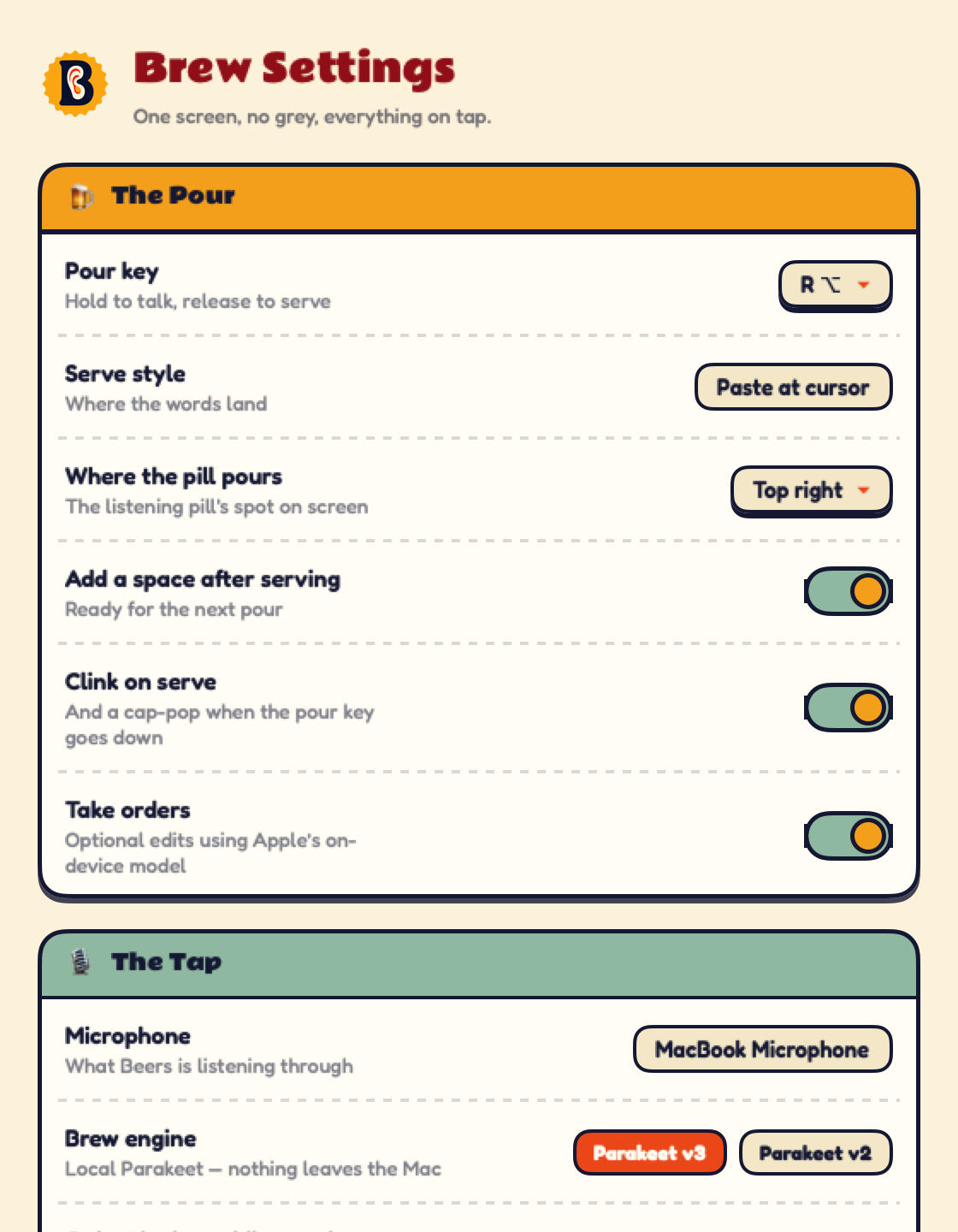
Brew Settings — pour key, paste behaviour, sounds and local rewrite engine Brew Settings
Make it yours

One screen. Every control on tap.

Choose the hotkey, microphone, local engine, listening pill position and how each pour lands.

  • Parakeet v3 multilingual or v2 English
  • Optional Apple-on-device Command Mode
  • User-controlled legacy rule polish
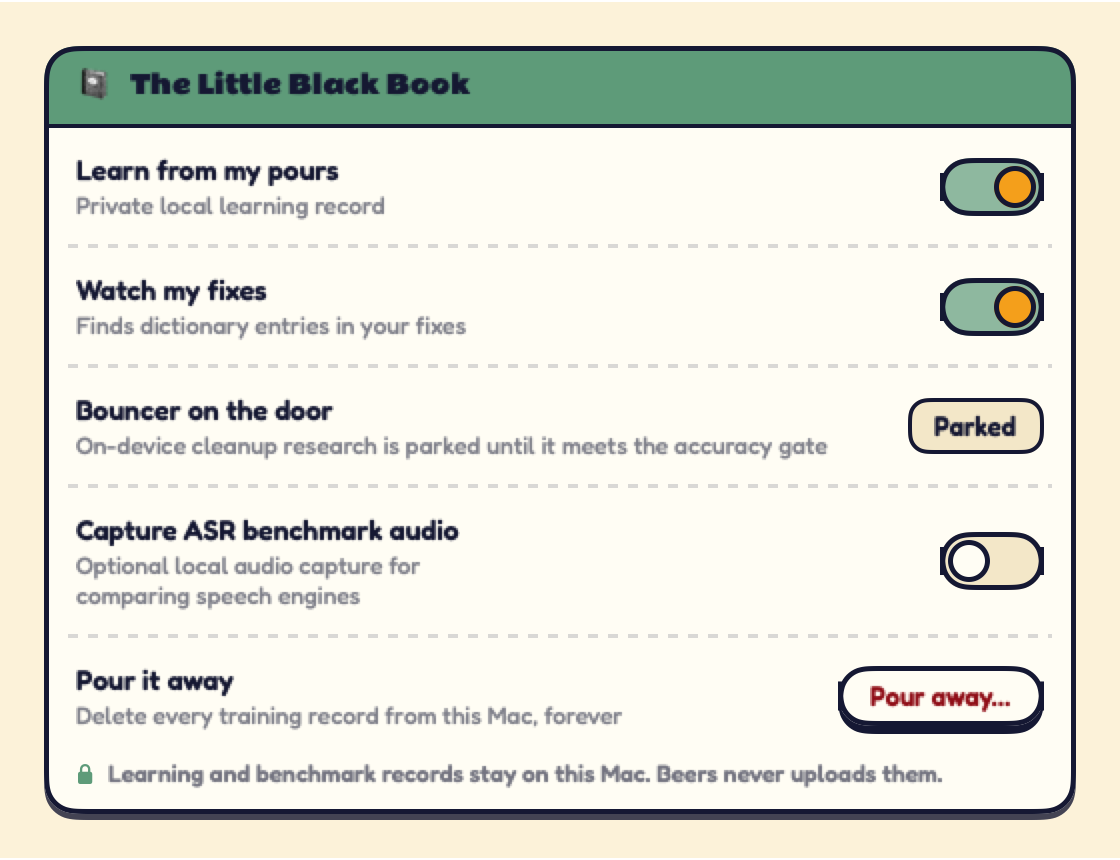
The Little Black Book — local learning and privacy controls Little Black Book
Privacy first

Learns on your Mac. Leaves never.

Local learning and benchmark capture are visible, optional and deletable. Ordinary dictation has no upload path.

  • Learning records stay in a local file
  • Benchmark audio is off by default
  • Pour it away whenever you want a clean slate